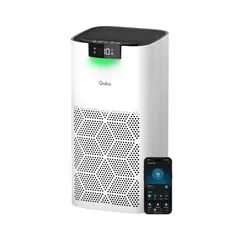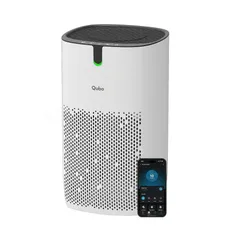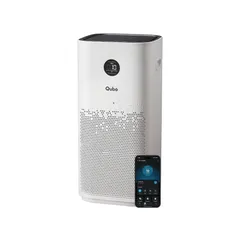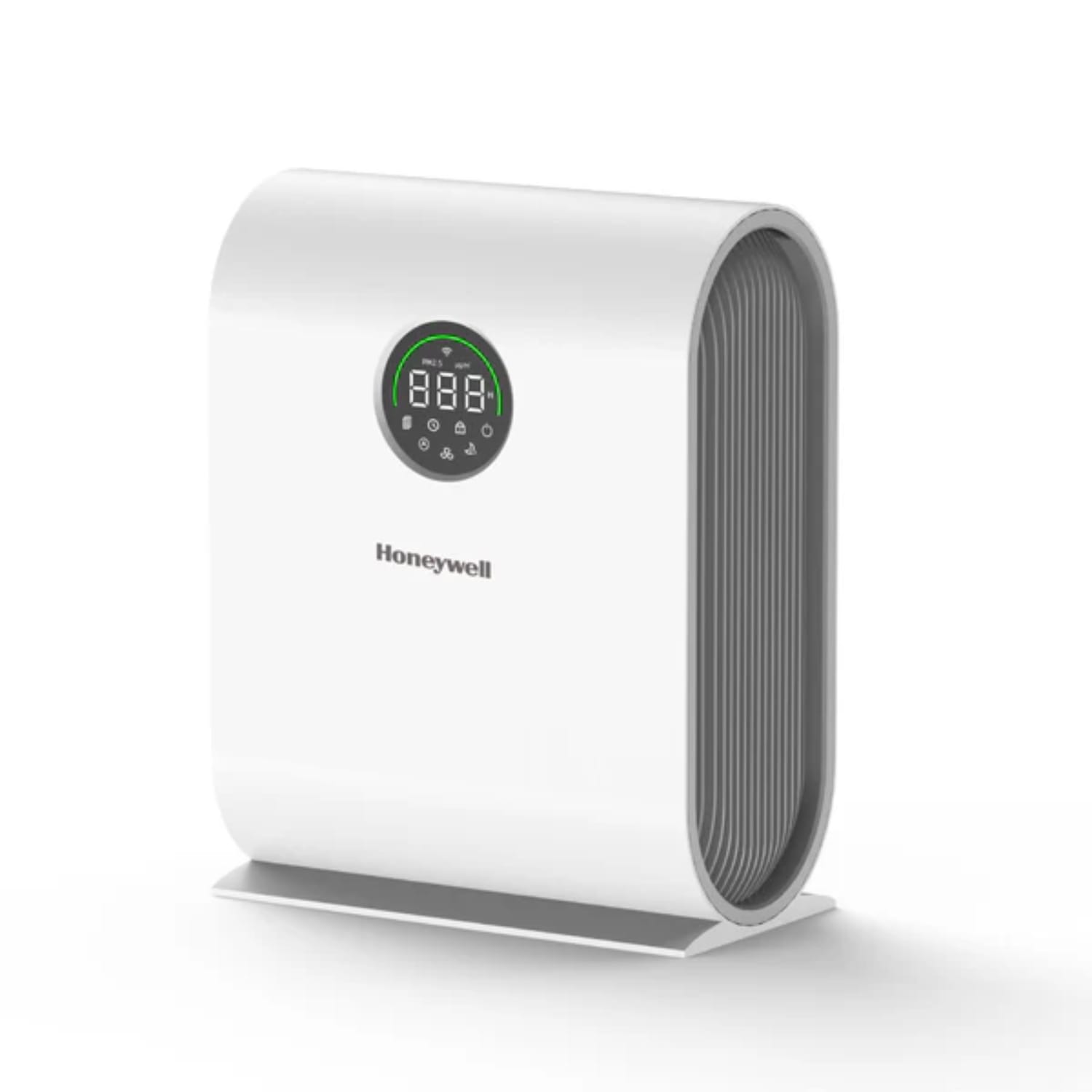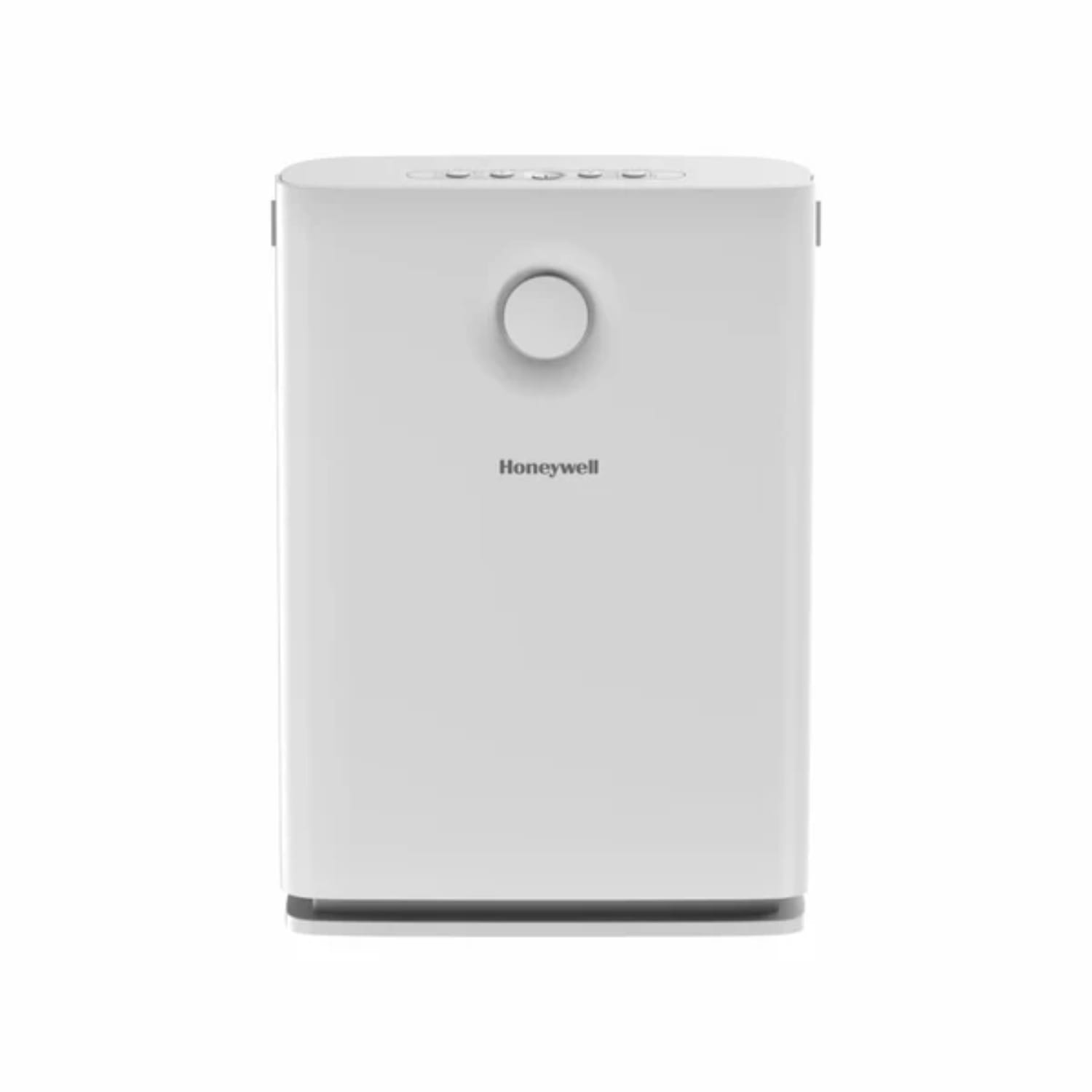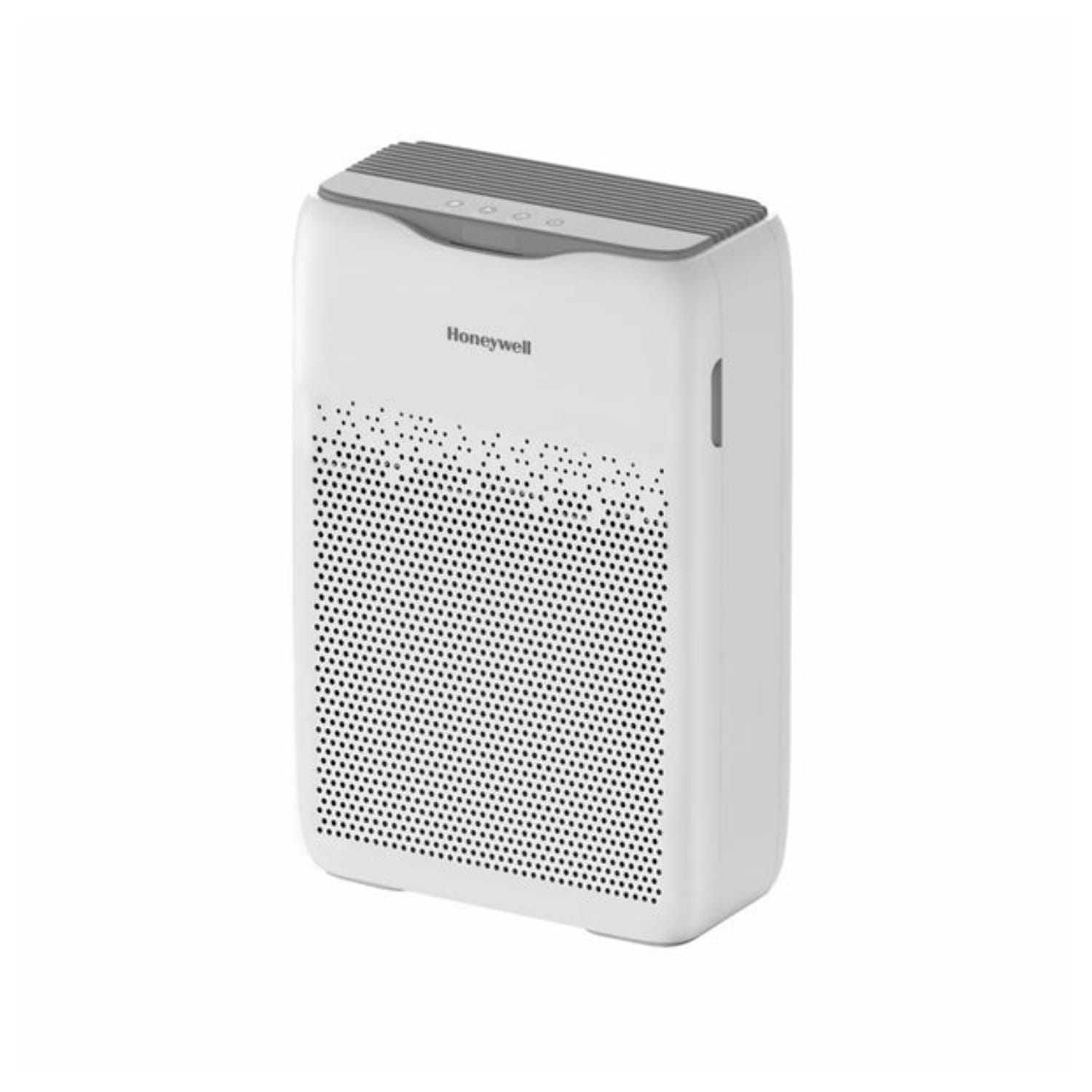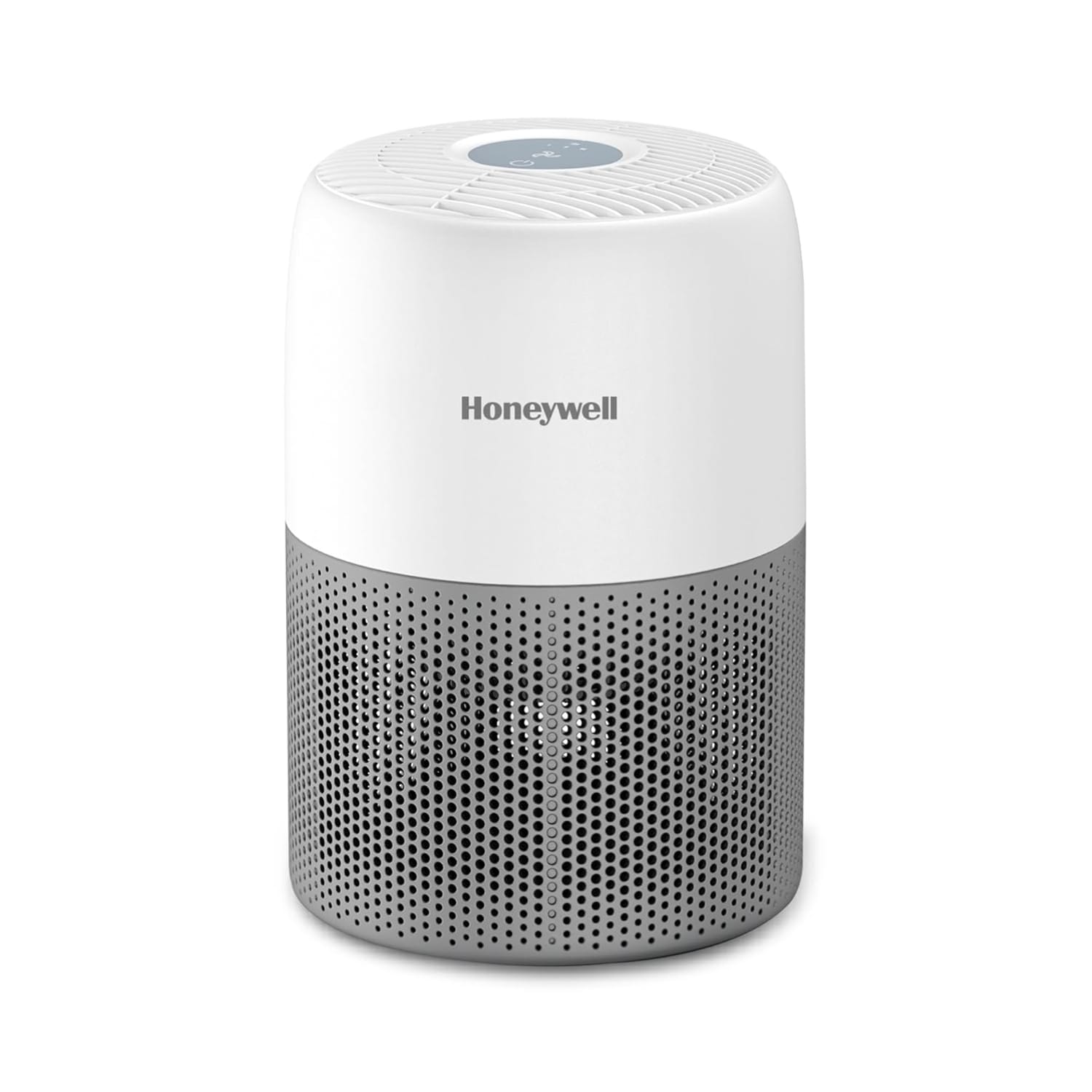


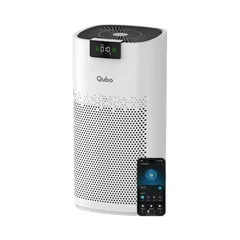
Smart Air Purifier Q600
Qubo
₹18,74325% off₹24,990


Smart Air Purifier offers air purification solutions, ensuring a healthier and more comfortable indoor environment.
Air purifier has 4 stage filtration systems.
Effectively removes 99.
99% of harmful particles from the air.
Has Alexa and Google voice assistant compatibility for ease of use.
HEPA H13 filter eliminates PM2.
5, PM10, PM0.
1, pollen, pet dander, along with other harmful elements, effectively.
Smart Air Purifier effectively filter out smoke, dust, and give a safe indoor environment.
Air Purifier has a 4 Stage Filtration process through Anti-bacteria filter, pre filter, activated carbon filter and HEPA filter– removing up to 99.
99% of pollutants.
Ensures child lock, dust sensor, adjustable fan speed, schedule, filter life and timer.
Air Purifier is equipped with QSenseAI technology, which can modify fan speed as well as filtration intensity based on real-time AQI readings.
The energy-saving technology ensures optimal performance while keeping power consumption low, making it eco-friendly and cost-effective.
Unbox carefully and remove all packaging materials.
Place the air purifier on a flat surface, at least 30 cm away from walls or obstacles.
Open the filter compartment and remove any protective plastic from the filter.
Install the filter properly and close the cover securely.
Plug in the air purifier to a power outlet.
Press the Power button to turn on the device.
Connect to Wi-Fi using the mobile app (follow app instructions for pairing).
Select a mode (Auto, Sleep, or Manual) or adjust fan speed as desired.
Monitor air quality through the display or app; let it run continuously for best results.
Clean or replace filters when the indicator light or app notifies you.
Read all instructions carefully before using the appliance.
Use indoors only and keep the unit away from water, moisture, or direct sunlight.
Place on a flat, stable surface and keep at least 30 cm away from walls, curtains, or heat sources.
Do not block air inlets or outlets to ensure proper airflow.
Always unplug the purifier before cleaning, moving, or replacing filters.
Do not use if the plug, cord, or unit is damaged—contact authorized service personnel.
Avoid inserting fingers or objects into air vents or sensor openings.
Keep out of reach of children and pets to prevent accidents.
Use only original filters and accessories recommended by the manufacturer.
Do not attempt to disassemble or repair the unit yourself; seek professional service if needed.
Specification | Q200 | Q400 | Q500 | Q600 | Q1000 |
Coverage Area | 200 Sq. Ft | 400 Sq. Ft | 500 Sq. Ft | 600 Sq. Ft | 1000 Sq. Ft |
CADR | 150 m3/h | 300 m3/h | 350 m3/h | 450 m3/h | 600 m3/h |
Max Noise | 51 dB/A | 55 dB/A | 55 dB/A | 55 dB/A | 57 dB/A |
Filter Life (Depends on Fan Speed) | Up to 9,000 Hours | Up to 9,000 Hours | Up to 9,000 Hours | Up to 15,000 Hours | Up to 15,000 Hours |
Dimension in Inches (L*B*H) | 8*8*12.3 | 9.4*9.4*16.1 | 9.4*9.4*21.2 | 10.2*10.3*21.8 | 12.2*12.2*26.4 |
Weight | 2.4 Kg | 3 Kg | 4 Kg | 5.2 Kg | 8.3 Kg |
0.0
0 Ratings, 0 Reviews
No approved reviews yet. Be the first to review this product.

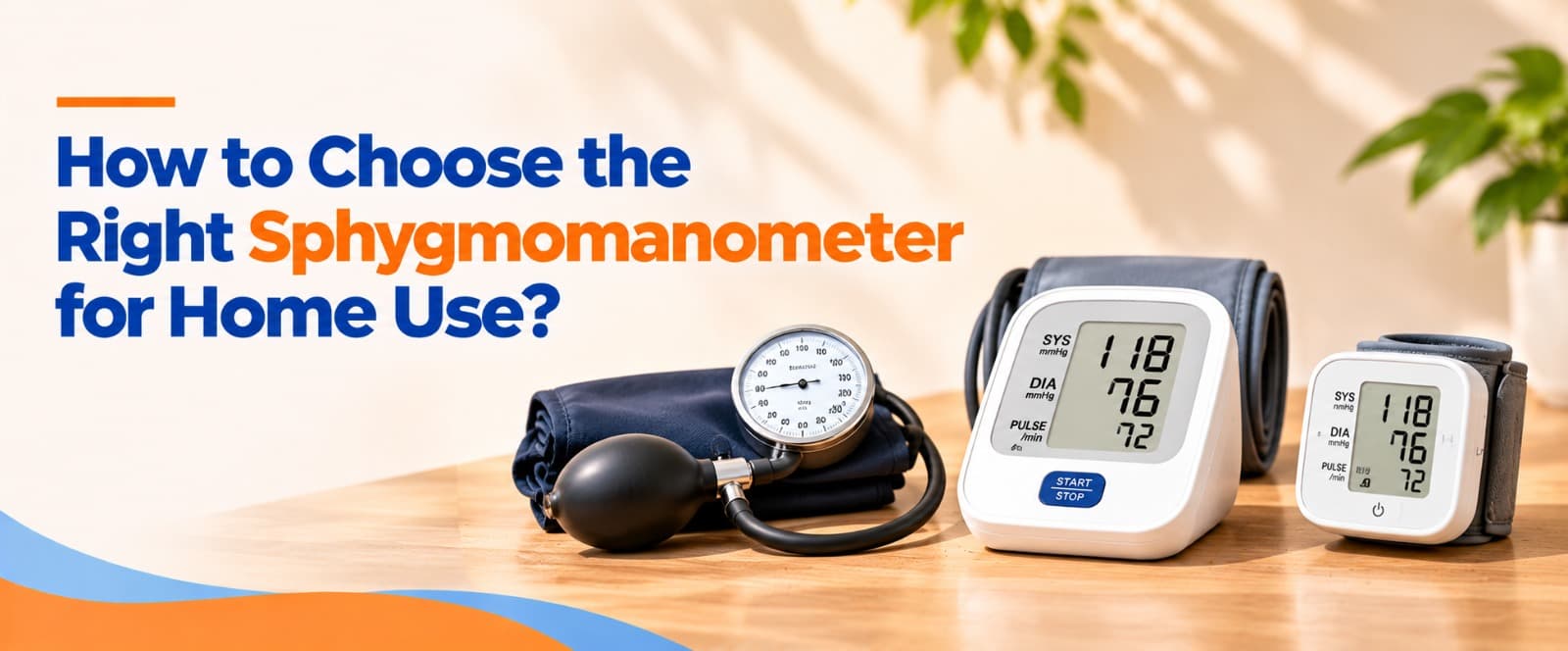
Choosing a home BP monitor doesn’t have to be confusing. Learn the difference between manual and digital, upper-arm and wrist models, why cuff size matters, and how to get accurate readings at home.
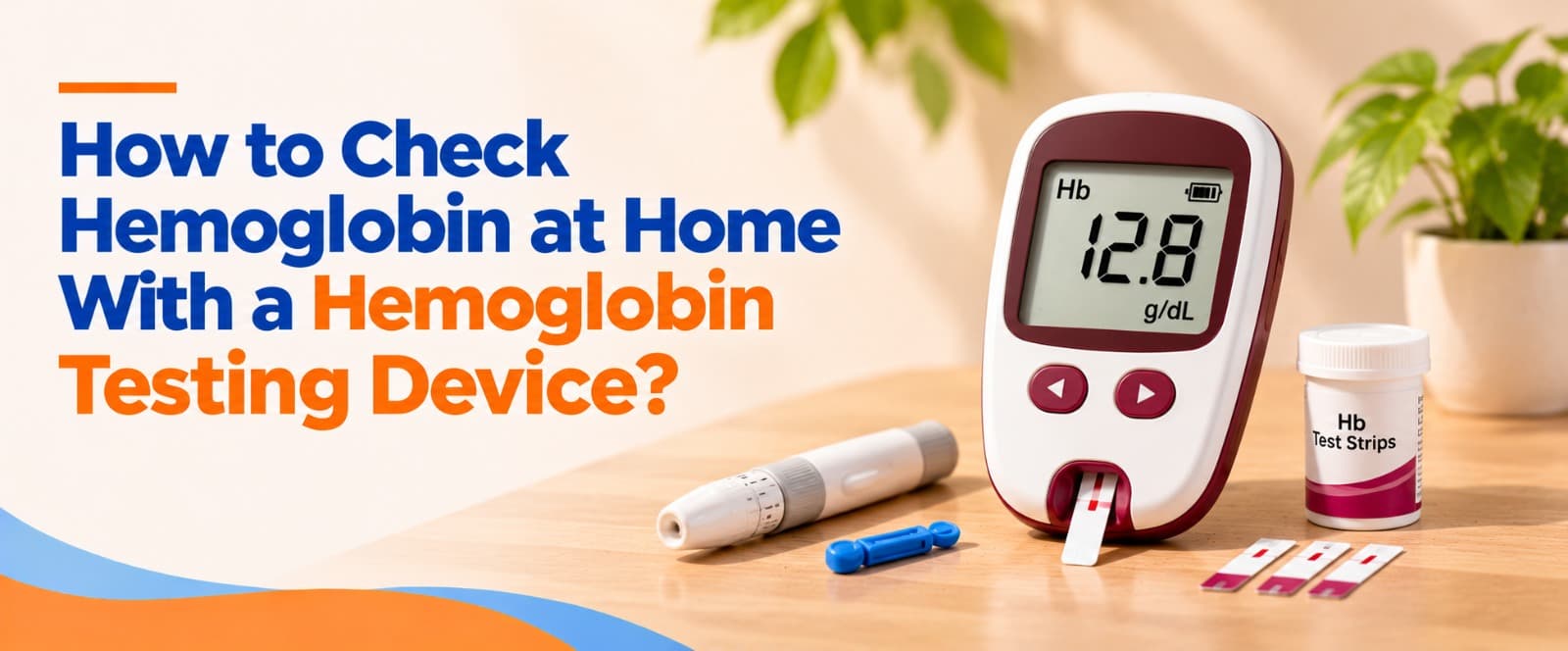
Tired or breathless often? Learn how to check hemoglobin at home with a testing device, step by step, and what the results can and can’t tell you.

Not sure how long to wear a wrist brace? See what’s typical for sprains, carpal tunnel and fractures, plus night use and warning signs.

Every person with cerebral palsy moves differently. This doctor-curated guide helps you understand the options and choose the right aid for safer, easier movement.