How to measure temple temperature
Always make sure the probe is clean and without damage.
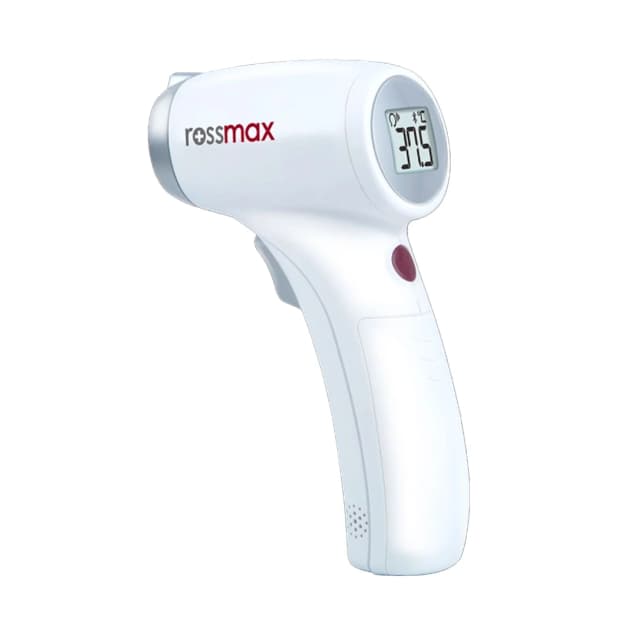
Press the “ON/OFF/Memory” button to turn on the device.
Make sure the measuring site icon is shown on the display before taking measurements.
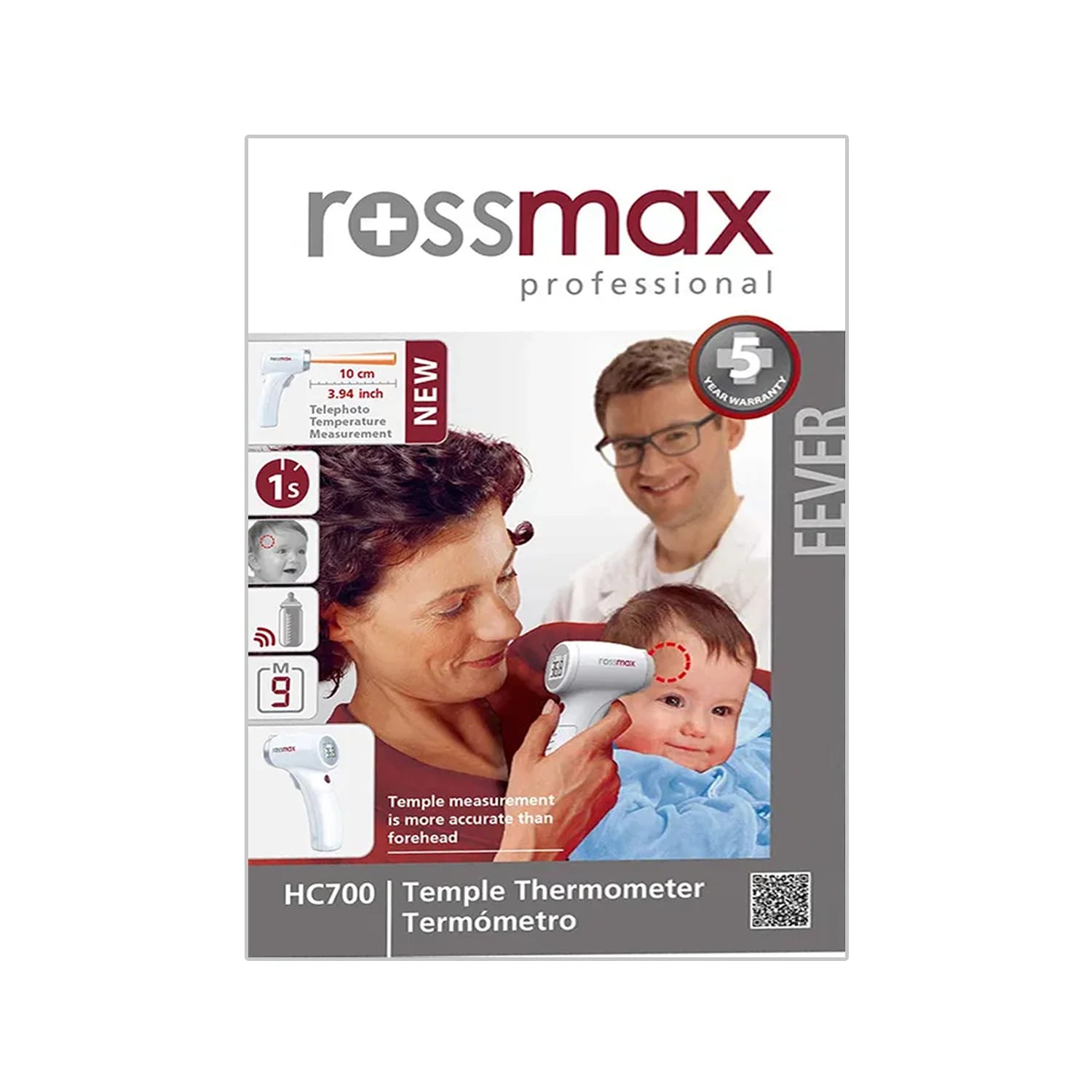
Vertically aim the thermometer at the temple at a distance of less than 10 cm. If the temple is covered with hair, sweat, or dirt, remove the obstacle from the temple to improve the measuring accuracy.
Press the “Measuring Trigger” button to take the temperature. Measurement is complete when you hear a long beep sound.
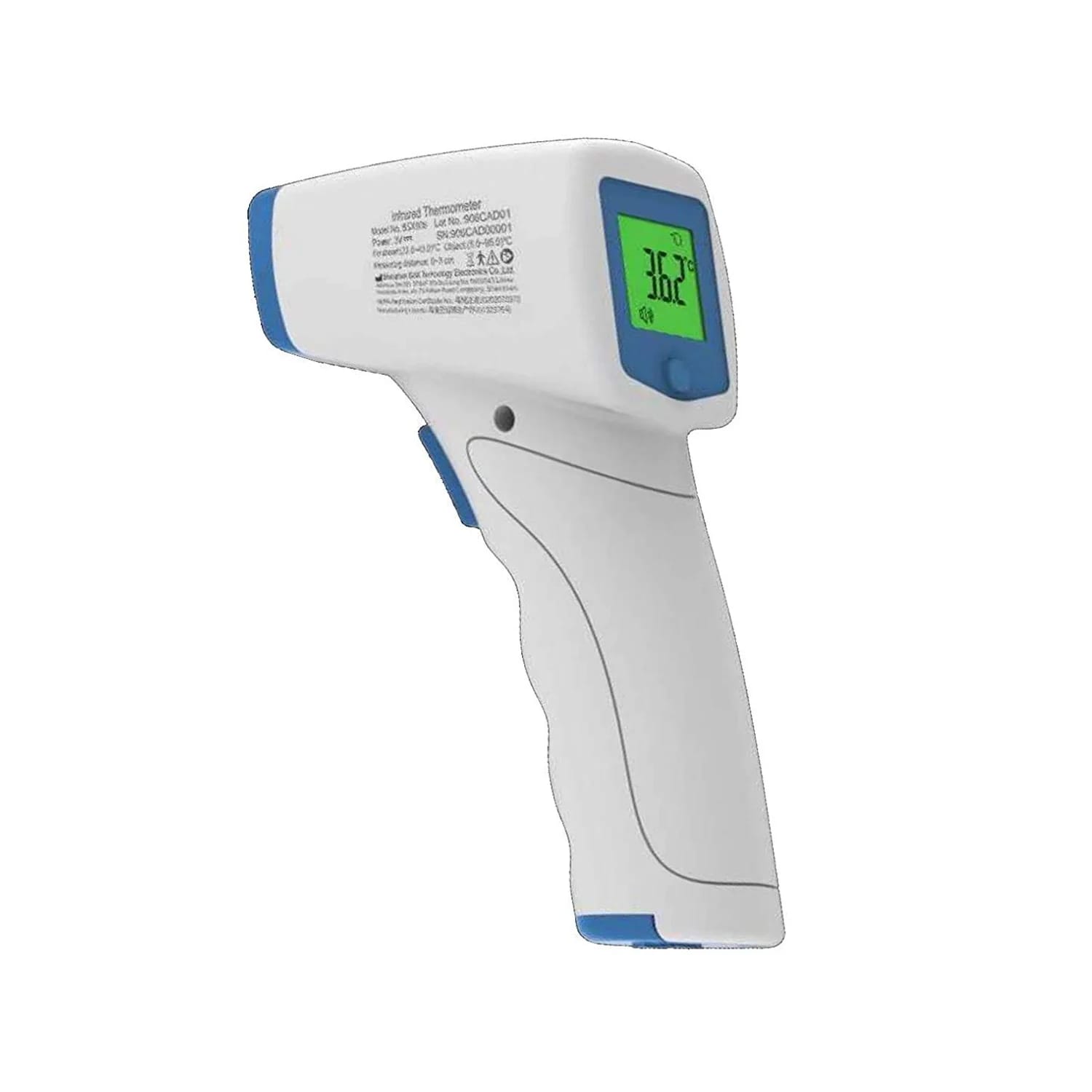
Read the recorded temperature on the LCD display.
If Bluetooth has been activated, the data is automatically transferred to the app after successful completion of the pairing process. Please see Data Transfer via Bluetooth.
How to measure object temperature
Press the “ON/OFF/Memory” button to turn on the device.
Make sure the measuring site icon is shown on the display before taking measurements.
Once aiming at the measured target, press the “Measuring Trigger” button to take the temperature. Measurement is complete when you hear a long beep sound.
Read the recorded temperature on the LCD display.
Note:
Applications include temperature measurements for water, milk, cloth, skin, or other objects.
This mode shows the actual, unadjusted object temperature, which is different from the body temperature.