
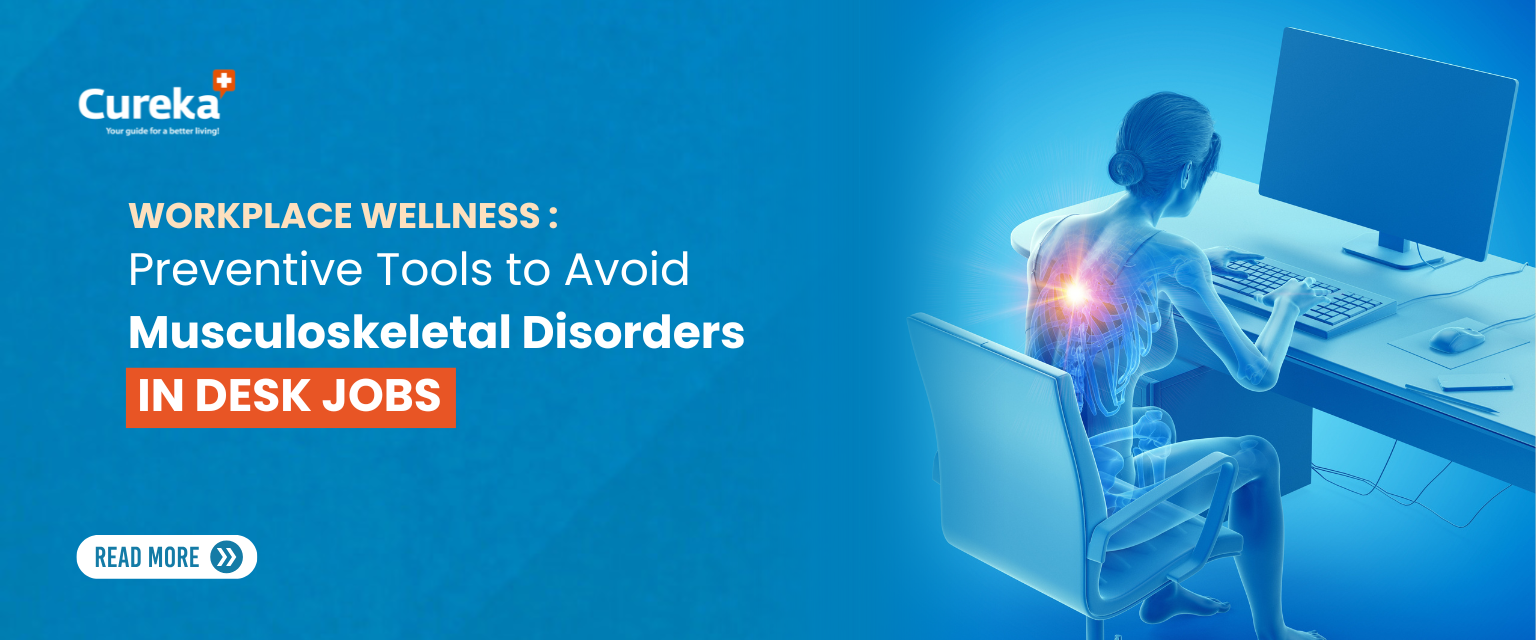
Workplace Wellness: Preventive Tools to Avoid Musculoskeletal Disorders in Desk Jobs
Medically Reviewed By:
Dr. Hema Sathish M.B.B.S., D.D(UK)
Dermatologist, Founder of Cureka
In the age of digital workspaces, many of us spend 8 to 10 hours seated at desks, staring at screens. While the mental workload may vary, there’s one thing all desk workers face: the physical toll of prolonged sitting and poor ergonomics. From neck stiffness and lower back pain to carpal tunnel syndrome and eye strain, musculoskeletal disorders (MSDs) are on the rise among professionals and often go unnoticed until they become chronic.
But the good news? Most of these issues are preventable. By incorporating supportive tools and simple habits into your daily routine, you can create a pain-free and productive work environment.
What Are Musculoskeletal Disorders (MSDs) and Why Should Desk Workers Care?
MSDs are injuries or disorders that affect the muscles, nerves, tendons, joints, and cartilage. Common examples in office settings include:
- Carpal tunnel syndrome
- Tension neck syndrome
- Lower back strain
- Shoulder pain
- Tendinitis
These conditions develop gradually due to:
- Poor posture
- Repetitive movements (like typing)
- Inadequate workstation setup
- Lack of movement during work hours
MSDs are not only painful but also reduce work productivity, increase sick leave, and may even require long-term treatment if left unchecked.
The Preventive Approach: Ergonomic Tools and Daily Adjustments
Rather than wait for symptoms to appear, the smarter route is prevention. Here are the top tools and tips you can adopt to reduce your risk of MSDs at work:
1.Ergonomic Chair with Lumbar Support
Problem it solves: Poor spinal alignment, lower back pain, disc compression.
How it helps: An ergonomic chair supports your spine’s natural curve, especially in the lumbar region (lower back). Adjustable armrests, seat height, and recline angle reduce pressure points and promote movement.
Preventive tip: Adjust your chair so your knees are at hip level, feet flat on the floor, and elbows at a 90° angle.
2.Lumbar Support Cushions
If your existing office chair lacks lumbar support, you don’t have to invest in a new one immediately. A lumbar support cushion can make a huge difference.
Bonus: Some memory foam versions mold to your back, improving posture throughout the day.
3.Wrist Braces and Mouse Pads with Wrist Rests
Problem it solves: Carpal tunnel syndrome, wrist fatigue from repetitive typing and mouse use.
How it helps: Wrist braces and mouse pads with gel wrist rests keep your wrists in a neutral position. This reduces pressure on the median nerve, a common cause of carpal tunnel syndrome.
Preventive tip: Your wrists should float slightly above the keyboard. If you feel pain, strain or tension while typing or using the mouse, take it seriously.
4.Adjustable Monitor Stands or Laptop Risers
Problem it solves: Neck strain, forward head posture.
How it helps: A monitor or laptop screen that’s too low forces you to bend your neck downwards, causing pain over time. Elevating your screen to eye level keeps your head and neck aligned with your spine.
Preventive tip: The top of your screen should be at or slightly below eye level when you’re seated upright.
5.Footrests
Problem it solves: Leg and lower back discomfort from dangling feet or improper seating
How it helps: A footrest helps stabilize your lower body, reducing strain on your thighs and spine. This is especially helpful for shorter individuals whose feet may not touch the floor when seated.
Bonus tip: Some footrests have a rocking motion to encourage circulation.
6.Standing Desks or Sit-Stand Converters
Problem it solves: Sedentary lifestyle, lower back stress, poor circulation
How it helps: Standing desks allow you to alternate between sitting and standing during your workday. This change in posture reduces spinal compression, improves circulation, and keeps your muscles active.
Preventive tip: Stand for 10–15 minutes every hour. Avoid standing for too long without a footrest or anti-fatigue mat.
7.Anti-Fatigue Mats for Standing Desks
If you’re using a standing desk, anti-fatigue mats cushion your feet and reduce pressure on the knees and back.
Why it matters: Without support, prolonged standing can be just as harmful as prolonged sitting.
8.Blue Light Glasses and Adjustable Screen Brightness
Problem it solves: Eye strain, headaches, blurred vision (aka computer vision syndrome)
How it helps: Blue light glasses filter out high-energy visible (HEV) blue light from screens. Combined with screen brightness adjustment and proper distance (20–28 inches from eyes), these tools help reduce fatigue.
Preventive tip: Follow the 20-20-20 rule: Every 20 minutes, look at something 20 feet away for 20 seconds.
9.Keyboard Trays or Compact Keyboards
Problem it solves: Shoulder elevation, wrist angling, and arm fatigue
How it helps: A keyboard tray allows for better hand positioning, closer to your lap and at a downward angle. Compact keyboards reduce unnecessary reaching.
Preventive tip: Keep your shoulders relaxed and elbows close to your sides when typing.
10.Posture Correctors for Desk Workers
Problem it solves: Rounded shoulders, slouching, forward head posture
How it helps: Posture correctors gently pull your shoulders back, training your body to stay aligned. These are useful for people working long hours on laptops or hunched over paperwork.
Caution: Use only for 1–2 hours a day initially. Overuse can weaken back muscles.
Daily Preventive Habits to Adopt
Even with the best tools, poor habits can still lead to injury. Here are small but powerful daily actions you can take:
- Take Micro-Breaks Every 30–60 Minutes
Stand up, stretch, and walk for a few minutes. Set a timer if needed.
- Perform Desk Exercises
Simple stretches like shoulder rolls, seated spinal twists, or neck tilts improve circulation and reduce stiffness.
- Stay Hydrated
Water keeps joints lubricated and muscles functioning. Keep a water bottle at your desk.
- Use Voice Dictation Occasionally
Give your hands a break by using voice-to-text tools, especially for long emails or reports.
- Keep Frequently Used Items Within Reach
Avoid overextending your arms constantly. Rearrange your desk so essentials are easily accessible.
Who Should Be Most Cautious?
While everyone can benefit from preventive care, these groups should be especially mindful:
- People with previous injuries (e.g., back surgeries, wrist fractures)
- Pregnant women, due to increased spinal stress
- Diabetics, who are more prone to neuropathies and foot complications
- Seniors, who have reduced muscle flexibility and bone density
- Remote workers, who may lack proper office furniture
When to Seek Medical Advice
If you’re already experiencing:
- Numbness or tingling in fingers or toes
- Shooting pain down your leg or arm
- Persistent lower back pain
- Wrist weakness
…it’s time to speak to a healthcare professional or physical therapist. Early intervention can prevent long-term disability.
Conclusion
Musculoskeletal disorders are not an inevitable part of desk jobs. With a few smart tools and habits, you can transform your workspace from a pain zone into a comfort zone. Whether you’re an employee, freelancer, or business owner, investing in preventive wellness at work pays off , not just in productivity, but in your long-term health and happiness.
FAQs
1.What are musculoskeletal disorders (MSDs) and why should desk job workers be concerned?
Musculoskeletal disorders (MSDs) refer to injuries or conditions that affect the muscles, bones, and joints, often caused by repetitive movement, poor posture, or sitting for long periods. Desk job workers are at higher risk due to the nature of prolonged sitting, which can strain the back, neck, and wrists.
2.How can I prevent musculoskeletal disorders if I work at a desk for long hours?
To prevent musculoskeletal disorders, take regular breaks, stretch frequently, and ensure your workstation is ergonomically designed. Using supportive chairs, keeping your monitor at eye level, and practicing good posture can help reduce the strain on your body.
3.What tools can help improve posture and prevent MSDs for desk workers?
Ergonomic tools such as adjustable chairs, sit-stand desks, and wrist supports can help reduce the risk of musculoskeletal disorders. Using a footrest and positioning your monitor correctly can also support better posture throughout the workday.
4.Why is stretching important for desk job workers?
Stretching helps improve flexibility, reduces muscle tension, and increases blood circulation. For desk job workers, stretching regularly can alleviate discomfort caused by prolonged sitting and reduce the risk of developing musculoskeletal disorders.
5.Can musculoskeletal disorders be reversed or treated once they occur?
Early intervention is key to managing musculoskeletal disorders. While some damage cannot be fully reversed, symptoms can be alleviated through physical therapy, ergonomic adjustments, and lifestyle changes. Seeking medical advice early on can prevent the condition from worsening.
References
- Effective Office Ergonomics Awareness: Experiences from Global Corporates – 2017 May – https://pmc.ncbi.nlm.nih.gov/articles/PMC5844133/
- Ergonomic risk factors among computer office workers for complaints of arm, neck and shoulder and workstation evaluation – 2022 – https://pubmed.ncbi.nlm.nih.gov/35912775/
- Ergonomics and the standing desk – 2018 – https://pubmed.ncbi.nlm.nih.gov/29865102/